

Oracle Forms end of support: What changes in 2030
In February 2026, Oracle revised the support dates for its Fusion Middleware family in its product documentation, including Forms. As a result, Premier Support for the latest version, 14c, was extended to 2030, and by paying an additional fee, you can also get Extended Support until December 2033. Exciting, right, but there is another side to the coin: no new features or future updates.
Oracle’s low-code investment now goes to Oracle APEX, a similar system but faster and with exciting future updates with a flavourful pinch of AI.
A question for you: Can your business keep depending on a tool that remains a supported legacy technology but is no longer developed, or do you want your employees to use AI more efficiently with Oracle APEX?
Why Oracle Forms modernization can’t wait
- Migrations take time: Mid-size systems usually take 6 to 18 months, while larger ones can take anywhere from 2 to 3 years.
- Forms developers are becoming scarce, just like natural resources
- WebLogic adds cost: Increasing complexity. Modern Forms runs on Oracle WebLogic Server, with its own license and specialist administrator, while Oracle APEX doesn’t need it, making it a better choice than Forms.
- No Modern Features: Mobile devices have taken over human interest to absorb content, but still Forms apps aren’t mobile-friendly, with no path to AI as well
Why Oracle APEX is the natural Oracle Forms replacement
The answer is simple: Oracle APEX does the same jobs as Forms, but it’s mobile-friendly and runs inside the Oracle Database with the lightweight ORDS connector. What makes it different from Forms is Regular updates with exciting features like AI agents, AI reports, and more.
Oracle Forms vs Oracle APEX
| Oracle Forms | Oracle APEX | |
| Runs on | Oracle WebLogic Server | Inside the Oracle Database |
| Licence | WebLogic licence required | Included in Oracle Database |
| Mobile Friendly | Not Mobile Friendly | Mobile-friendly and easily downloadable |
| Future Updates | Supported Legacy Technology | Regular releases, including reports in APEX 26.1 |
| Business Logic | PL/SQL | PL/SQL |
Let’s have a look at Migration approaches and tools.
Most projects use one of three approaches, or a mix:
- Manual rebuild: developers redesign each screen in Oracle APEX and reuse PL/SQL. This gives the best user experience but requires more effort.
- Tool-assisted conversion: tools such as the Forms to Oracle APEX Migration Tool (F2A) analyze Forms files and generate a starting point.
- Hybrid: In this, developers mainly focus on redesigning complex screens. Tools are used for analysis and simple screens. This suits most projects.
No tool converts Forms to Oracle APEX fully automatically. Plan to redesign screens for the web instead of copying old desktop layouts.
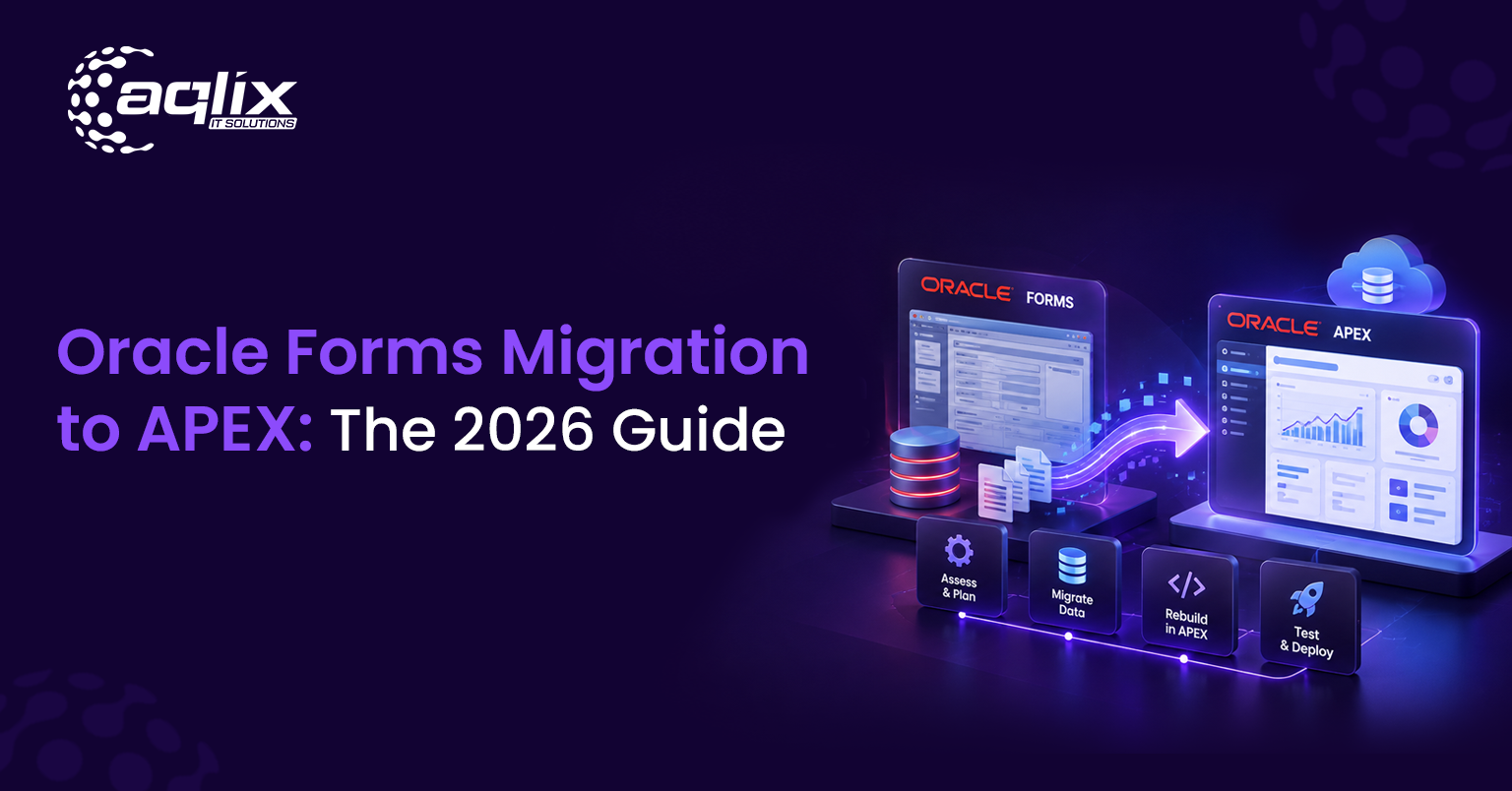
How to migrate Oracle Forms to APEX in 6 easy steps
Be ready with your copy and pen, and note down these exact steps to migrate in a hassle-free manner:
- Assess what you have: List every form, report, and menu, and note which ones people actually use.
- Analyze with Forms2XML: Then move on by converting Forms files (.fmb) into XML to review each screen’s fields, triggers, and logic.
- It’s time to Plan the new design: Take your time and decide which screens to rebuild, merge, or retire, as most projects need redesign, testing, and developer work.
- Move the business logic: Shift PL/SQL from Forms triggers to database packages APEX can reuse.
- Build and test in phases: Migrate one module at a time. Run old and new screens side by side.
- Roll out and train: Move users over gradually, then retire Forms and its WebLogic servers.
Let’s discuss about the Time and Cost Estimates for your Migration
How long your migration takes and what it costs depends mostly on the system’s complexity and what you want to achieve.
- It mostly depends on the number and complexity of your forms and reports too, followed by your business needs, this will shape the timeline and cost. You should also think about how your systems connect with others and where your project team is located. Using offshore teams can help lower costs for similar projects.
- You start saving money as soon as you retire Oracle Forms. You won’t need WebLogic licenses anymore; you can use fewer server resources, and you won’t need to keep specialized Forms experts on staff.
How Aqlix helps with your Oracle Forms migration
Aqlix IT Solutions focuses on Oracle APEX and guides companies through moving away from Oracle Forms with a straightforward, step-by-step plan:
- Assessment: We review your Forms apps, reports, and menus to identify what you use and what you can retire. Then we give you a realistic timeline.
- Redesign: We create new web and mobile screens, rather than just copying your old desktop layouts.
- PL/SQL reuse: we move your existing business logic into database packages, so proven rules carry over safely.
- Testing: we migrate module by module and run old and new screens side by side before go-live.
- Training: we prepare your users for the new Oracle APEX apps, so the switch is smooth.
- Support: we stay with you after launch to fix issues, tune performance, and add new features, including Oracle APEX 26.1 AI.
Still running Oracle Forms? Request an Oracle Forms Modernization Assessment and get a clear plan for your move to Oracle APEX.
FAQ’s
Is Oracle Forms obsolete?
Not yet, but it is considered a legacy technology. Oracle will support Forms with patches and fixes until December 2030, but no new features will be added.
What is the latest version of Oracle Forms?
The latest version is Oracle Forms 14c (14.1.2), released in December 2024 as part of Oracle Fusion Middleware 14c.
Do you think working with Oracle Forms require WebLogic?
Yes, recent versions of Oracle Forms need Oracle WebLogic Server. Oracle APEX does not need WebLogic.
Can Oracle Forms be converted to APEX automatically?
Only some parts can be converted. Tools like F2A help start the process, but most screens need to be redesigned to work well on the web.