
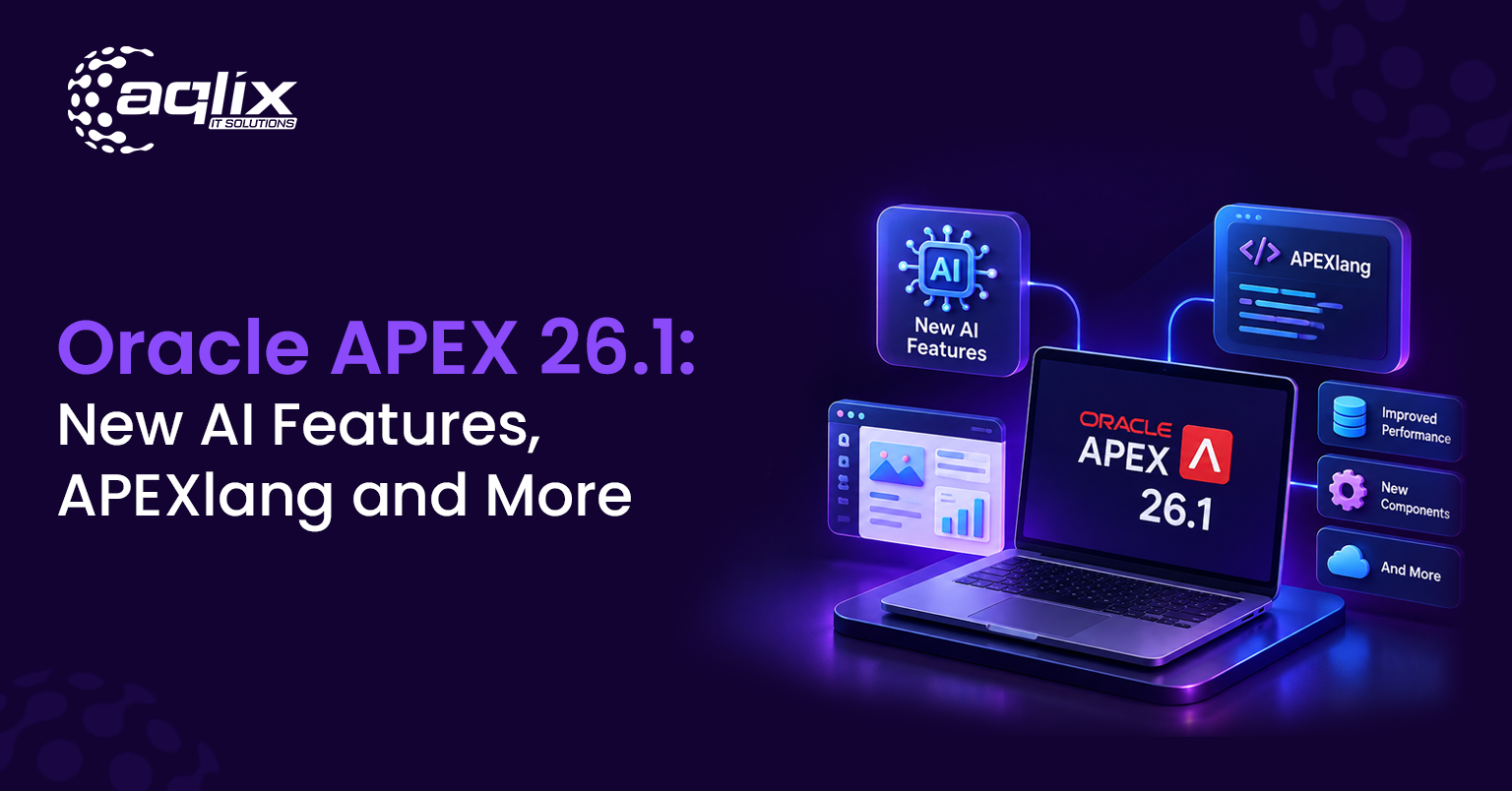

The recent update has generated significant discussion, but its complexity has left many feeling overlooked. We are here to guide you through this document step by step.
Released on May 14, 2026, Oracle APEX 26.1 is the biggest update to Oracle’s low-code platform in years, and it follows the trend: most of it is about AI, making it the first major APEX release since version 24.2 in late 2024.
Making Oracle APEX AI responsible in the new release, APEX 26.1 keeps AI within clear limits: agents that only take approved actions, reports users can reshape in plain English, and a readable app format called APEXlang. Explore the latest AI features, learn how they work, discover how to enable generative AI in your applications, and find out how to upgrade to access these capabilities. For additional information, please read How Generative AI is reshaping Enterprise Software Applications.
Oracle APEX 26.1 at a glance
| Latest Version | Oracle APEX 26.1 |
| Release Date | May 14, 2026 (on-premises); Jul 14, 2026 (Autonomous AI Database on OCI) |
| Requirements | Oracle Database 19c (19.18 or later) or Oracle AI Database 26 AI |
| Cost | Included at no extra cost with Oracle Database |
| Supported until | November 2027 |
Oracle APEX 26.1 new features
Oracle came out with this release highlighting three heading AI features, each designed to keep AI useful in a controlled environment:
- APEXLang: This is a readable format that describes APEX apps, making it easy for people and AI tools to build and review them safely.
- AI Agents: These are the cool assistants inside your apps that can take action, but only using tools your developer approves.
- AI Interactive Reports: Here you can find reports that users reshape by asking in plain language, using only approved data.
Additional enhancements include the Data Reporter (a self-service tool), expanded AI provider options, and improvements to workflow, security, translations, maps, and the user interface.
APEXlang: Apps as readable files
The centerpiece of Oracle APEX 26.1. It’s an open, human-readable language that describes an APEX app: from pages, regions, fields to how they connect.
Before APEXlang, an app’s definition lived inside the database and could only be exported as one large, hard-to-read file. Now you can save each page as a small, readable file. Congrats, you unlocked three powers:
- Version control: Making it easier for teams to track every change in Git, review it, and roll it back.
- Editing outside the browser: Developers can now build apps in their favorite editors, like VS Code.
- Safer AI-assisted development: AI coding assistants can understand and generate APEXlang files, and because APEXlang is so clear, developers can easily see every change the AI makes.
Business logic still lives in SQL and PL/SQL. APEXlang describes the app’s structure, not its rules.
AI Agents: AI that takes approved action
AI agents bring assistants to your APEX apps that do more than answer questions. For example, you can ask, “Which orders from Delhi are delayed? Mark them urgent,” and see the agent spring into action to handle the steps for you.
Control is at the heart of it all. Developers equip each agent with a toolkit, like querying select tables, running a specific PL/SQL procedure, or performing actions in the browser. With those boundaries in place, the agent operates strictly within them and respects your app’s security. This means businesses get smart automation that always stays within safe limits.
AI Interactive Reports: reports that understand plain English
Interactive reports have always empowered users to filter, sort, group, and chart data on their own. With AI Interactive Reports, it gets even easier: type what you want, and the report responds.
For example: “Show this month’s orders from Delhi, sorted by amount, with a total.” Instantly, the report updates. From there, users can tweak it further or easily undo changes. The AI only accesses data the developer approves, so it never roams into off-limits tables.
Data Reporter and other improvements
Data Reporter is a new self-service tool designed for users of all skill levels, including those without development experience. Administrators can configure trusted datasets and manage access. Authorized business users can then create and share reports instantly via a link, eliminating the need to wait for developer support.
APEX 26.1 brings more than just AI, like smoother workflows, stronger security, better translations, enhanced maps, Universal Theme updates, and a fresh new look with the Iris theme.
Choose your AI provider: Claude, OpenAI, Gemini, and more.
Oracle APEX Generative AI features work with a wide range of providers, supporting their statement, “APEX + AI = Awesome.” APEX 26.1 supports OCI Generative AI, OpenAI, Cohere, Google Gemini, Anthropic Claude, Mistral AI, Ollama, and any service with an OpenAI-compatible API.
This choice has a significant impact. It lets companies keep using their preferred AI tools, choose models based on cost or quality, or maintain data privacy by running local models through Ollama.
How to enable generative AI in Oracle APEX
You need an account and API key from your chosen AI provider. Then, in App Builder, go to Workspace Utilities, then All Workspace Utilities.
- Select Generative AI, then click Create.
- Choose your AI provider, such as OCI Generative AI, OpenAI, or Anthropic Claude.
- Name the service and enter a static ID. The Static ID is how your code refers to it through the APEX_AI package.
- Enter your credentials and model details.
- Turn on Used by App Builder if you want the built-in APEX Assistant to use this service. Only one service per workspace can have this setting.
- Click Create. You can now add AI features to your apps, such as an AI assistant or text generation.
How to upgrade to APEX 26.1
Your path to APEX 26.1 depends on where your system lives:
- Oracle Autonomous AI Database (OCI): Oracle upgraded these instances to APEX 26.1 in July 2026, so you don’t need to install anything.
- Running on-premises or in your own cloud? Download APEX 26.1 from Oracle, install it, and update Oracle REST Data Services (ORDS) to a version that works with 26.1. You’ll need Oracle Database 19c with patch set 19.18 or later, or Oracle AI Database 26ai.
- Still on a very old version? If your APEX is older than 18.1, upgrade to 24.2 first, then move to 26.1.
Before you upgrade your production environment, follow best practices: test your apps in a safe space, review Oracle’s known-issues page, and apply the latest 26.1 patch set. You can also refer to the APEX 26.1 release notes, which cover every one of your requirements.
What Oracle APEX 26.1 means for your business
If your company already uses Oracle, you are in safe hands since APEX 26.1 unlocks a cost-effective way to build AI-powered apps using the data you already own:
- No need to buy a new platform: APEX comes with Oracle Database, and you can stick with your current AI provider.
- AI with built-in guardrails: These agents operate only through approved tools and draw reports from trusted data provided by the user itself.
- Faster answers for your business teams: With AI Interactive Reports and Data Reporter, staff can get the insights they need without waiting for IT, making your operations reliable and faster.
- A modern path off legacy tools: If your team is still on Oracle Forms, then migrating to APEX now means landing on an AI-ready platform.
Kick off your APEX AI journey with use cases like a sales assistant that finds and updates orders, plain-English reports for managers, a support agent that drafts replies from customer history, and AI-powered summaries of long records.
How Aqlix can help
Aqlix IT Solutions is your Oracle APEX specialist. Whether you’re planning to upgrade or want to add your first AI feature, we guide you at every step:
- Upgrade assessment: we start by checking your current APEX version, database, and ORDS setup, and then plan a safe path to APEX 26. 1.
- Upgrade and testing: we then move on and upgrade your environment and test your apps before anything reaches production.
- AI setup: In this step we begin with reviewing your business requirements and then connect APEX to the best AI provider for your specific needs, like OCI Generative AI, OpenAI, or Claude. We also try to make sure that it stays in your budget range.
- AI Agents and AI Reports: In this step, we add AI Agents using fully secure, pre-approved tools. After that, we set up AI Interactive Reports and Data Reporters for your teams.
- Oracle Forms migration: we finally move the legacy Forms apps to APEX to make sure they land on an AI-ready platform.
- Training and support: we train your users and stay with you after launch.
Ready to bring AI into your Oracle apps? Request an APEX 26.1 Upgrade and AI Readiness Assessment and get a clear plan for your upgrade.
FAQs
What is the latest version of Oracle APEX?
Oracle APEX 26.1 is the latest version. It was released by Oracle on May 14, 2026, followed by its arrival at the Oracle Autonomous AI Database on OCI in July 2026.
Can we say Oracle APEX is in demand in 2026?
Yes. Oracle keeps on investing heavily in APEX, and APEX 26.1 adds major AI features. Companies that are moving off Oracle Forms are also driving demand for APEX development.
Does Oracle have an in-built AI tool for building apps?
Yes. Oracle APEX 26.1, which Oracle calls out as the APEX AI Application Generator, uses AI to help build apps and allows you to add AI agents and AI reports. Oracle also provides OCI Generative AI as a cloud AI service.
Is Oracle APEX use Claude or OpenAI?
Yes. APEX 26.1 fully supports Anthropic Claude, OpenAI, Google Gemini, Cohere, Mistral AI, Ollama, OCI Generative AI, and any OpenAI-compatible service.
Is Oracle APEX 26.1 free for use?
APEX is included at no extra cost with Oracle Database. AI features may involve usage costs from the AI provider you connect to.